


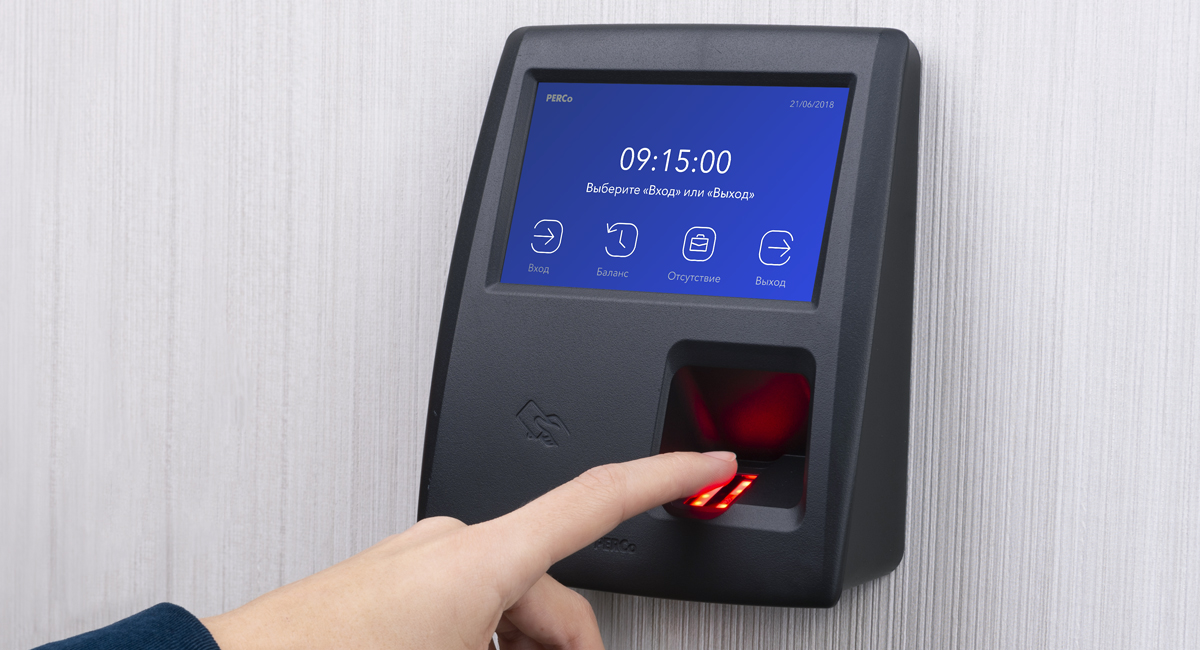
Passkeys Are Replacing Passwords: The Security Shift Explained
The password has survived decades of obituaries, but its replacement has finally arrived in ordinary accounts. Passkeys, cryptographic credentials unlocked with a face, fingerprint or device PIN, are now offered by major banks, platforms and operating systems as the default way to sign in. The change is less a new gadget than a new bargain: nothing to memorise, nothing to reuse, and nothing useful for a criminal to steal from a breached database.
The weakness of passwords is arithmetic as much as human. People reuse them, choose them predictably and type them into convincing fake pages. Guidance from Britain’s National Cyber Security Centre has long urged three random words and unique passwords per account, advice that is sound and, for most people, unsustainable across a hundred logins. Passkeys remove the burden rather than exhorting people to carry it better, which is why security professionals regard them as the first replacement that improves convenience and safety at the same time.
How a Passkey Actually Works
A passkey is a pair of cryptographic keys. The private key stays on your device, protected by its lock; the public key sits with the service. Signing in means your device proves it holds the private key, usually after a biometric check, without the secret ever travelling. Because the credential is bound to the genuine site’s domain, a phishing page cannot trick it into signing in elsewhere: the maths simply refuses the wrong address.
Syncing makes the system practical. Passkeys stored in a platform account follow the user across phones and laptops, encrypted end to end, while hardware keys remain available for the highest-risk accounts. The FIDO Alliance, the industry body behind the standard, publishes the adoption figures: billions of accounts now support passkeys, and sign-in success rates run markedly higher than with passwords, which services notice as reduced support costs. Follow developments like these in our technology blog, where security changes are covered as they reach ordinary users.
What Can Still Go Wrong
Passkeys shift risk rather than abolishing it. The weak points move to account recovery, device loss and the fallback methods services keep for locked-out users, which attackers promptly target. A service that offers passkeys but recovers accounts by text message has built a strong door beside an open window. Users should therefore set up recovery options deliberately, keep a second device or printed recovery method where offered, and treat unexpected sign-in prompts as the attacks they often are.
Adoption will be uneven for a while. Workplaces with shared terminals, older systems and edge cases in accessibility will run passwords and passkeys side by side, and criminals will hunt in the overlap. Even so, the direction is unmistakable: the knowledge-based secret, something you know and an attacker can learn, is giving way to possession and biometrics, something you have and something you are.
Getting Started Without Locking Yourself Out
The safest way to adopt passkeys is gradually and in the right order. Begin with the email account that controls password resets for everything else, then banking and government services, then the platforms used daily. When a service offers both a passkey and a hardware key option, people with elevated risks, journalists, executives, anyone whose account is a target, should register two methods stored in different places. Families should note that passkeys synced through a shared account blur individual identity; separate accounts remain cleaner. Finally, keep authenticator apps and backup codes until the passkey sign-in has been tested on every device you own. The technology forgives forgetfulness by design, but only for those who set it up before the old phone is lost, traded or drowned. You can follow the latest reporting on this and related subjects on our front page, which is updated throughout the day.
For readers, the practical steps are small. Accept the passkey offer on important accounts, starting with email, banking and the account that resets everything else. Check that recovery routes are current. Then enjoy a rare experience in digital security: a change that asks less of you while protecting you more. The password era is ending not with a ban, but with a better offer.
